 By
By Free Halloween Photo Booth Template for Social Booth
Last Updated: September 16, 2025
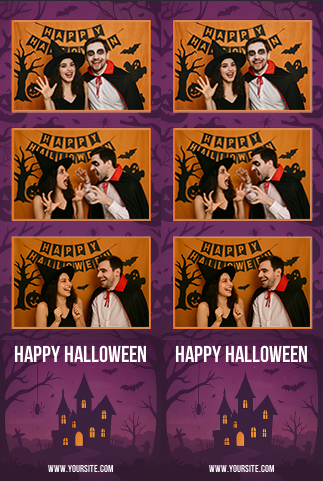
Halloween is just around the corner, and that means parties, costumes, and of course—photo booths! To help you get into the spooky spirit, we’re giving away a FREE Halloween photo booth template designed exclusively for Social Booth.
Whether you’re setting up at a Halloween party, school carnival, or bar event, this template will add a fun seasonal touch to every photo strip.
What’s Included
- A professionally designed Halloween-themed photo booth template
- Compatible with Social Booth software
- Easy to install and customize
- Works with 2x6 strips
How to Get It
- Download the template for free using the link below.
- Import it into Social Booth.
- Start snapping spooky photos!
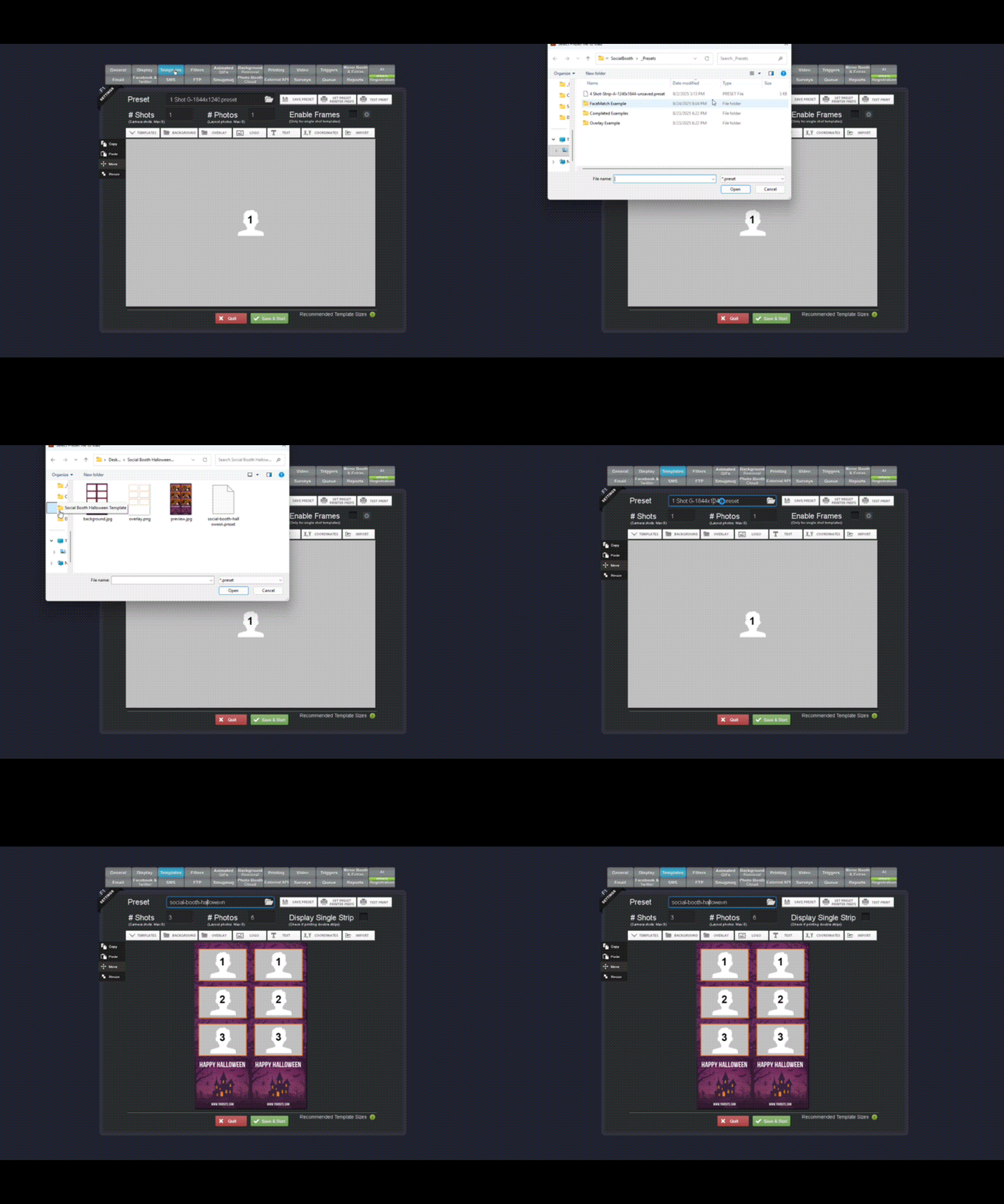
How to Open a Template in Social Booth
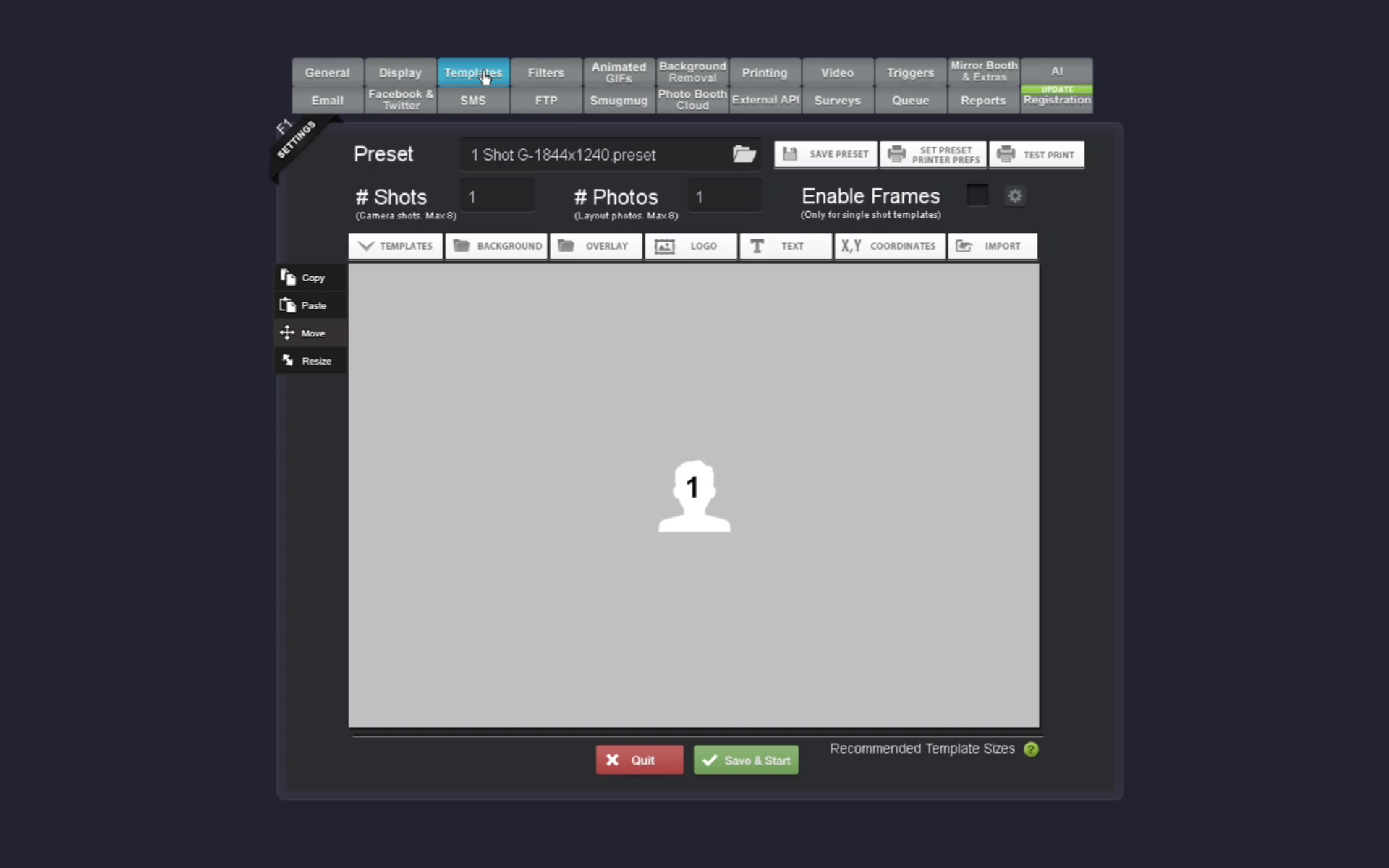
1 Go to the Templates Tab
Click on the Templates tab in the top navigation bar of the Social Booth interface.
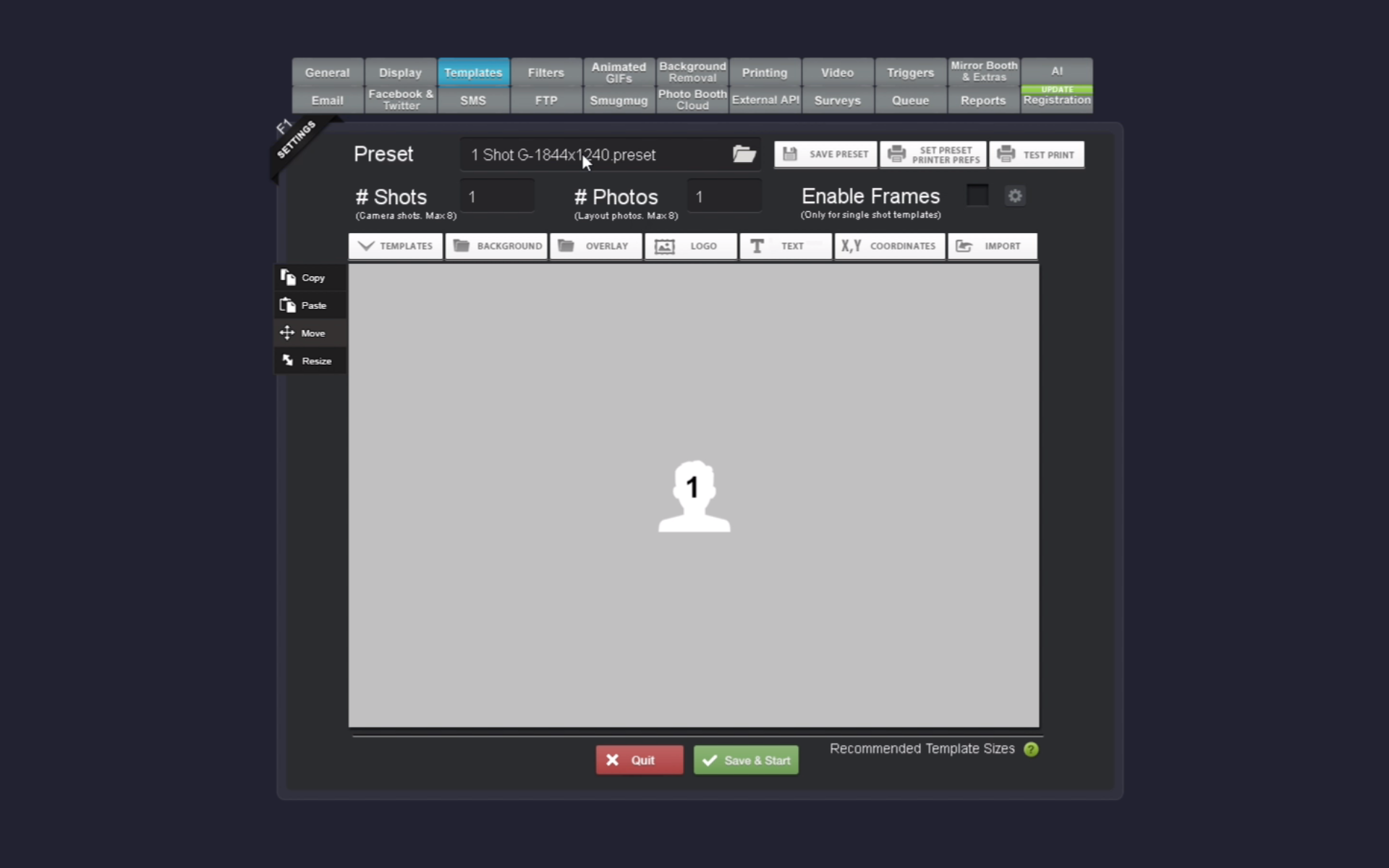
2 Click on the Template Field to Import
Click on the template field (preset dropdown) to open the file browser and import a new template.
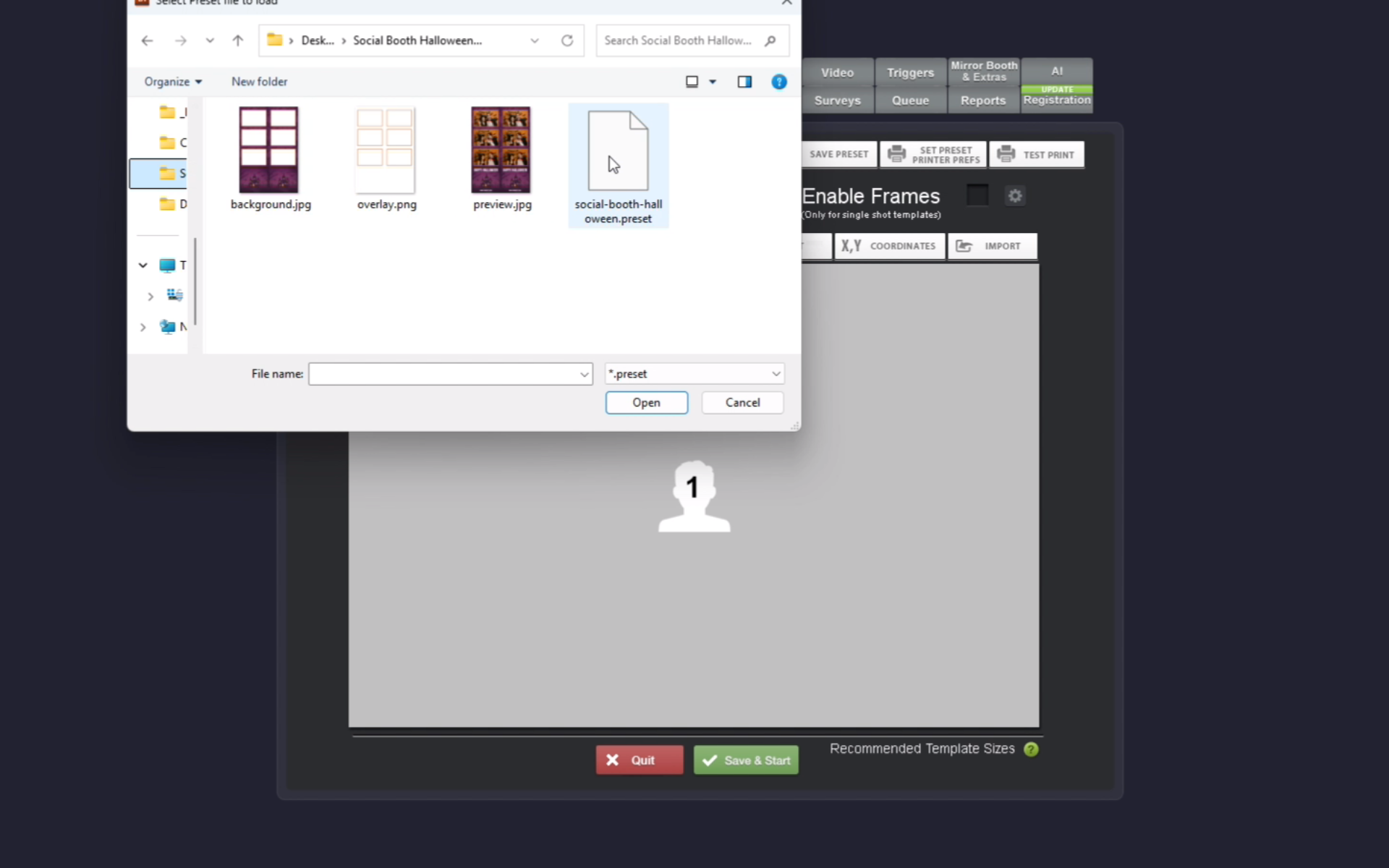
3 Open the Extracted Template Folder
Navigate to your extracted template folder and locate the .preset file. Select and open this preset file to import the template.
4 Template is Imported
Once selected, the template will be imported and ready to use in Social Booth. You'll see the template loaded in the interface with all its elements and layout.
Ready to Get Started?
Experience the power of Social Booth for your events and photo booth business. Download the full version today and start creating amazing photo booth experiences!
Categories:
Social Booth